When one LLM isn't enough: multi-agent systems with LangGraph
Cramming a complex task into one giant prompt works at first, then hurts. In the Multi-Agent AI System I chose a different path: split the task across specialized agents and manage the flow with a graph. This post covers both the why and the how, with LangGraph.
Why a single prompt breaks
- Instruction collision: "first research, then write, but keep it short, cite sources, return JSON…" — the model sacrifices one rule for another.
- Context bloat: everything in one window; on long tasks the model forgets the opening instruction.
- Undebuggable: if the output is wrong, you can't tell which step broke it.
- No retry: if one tool call fails in a single step, the whole answer collapses.
The fix: small, single-responsibility steps with explicit transitions between them.
The state graph
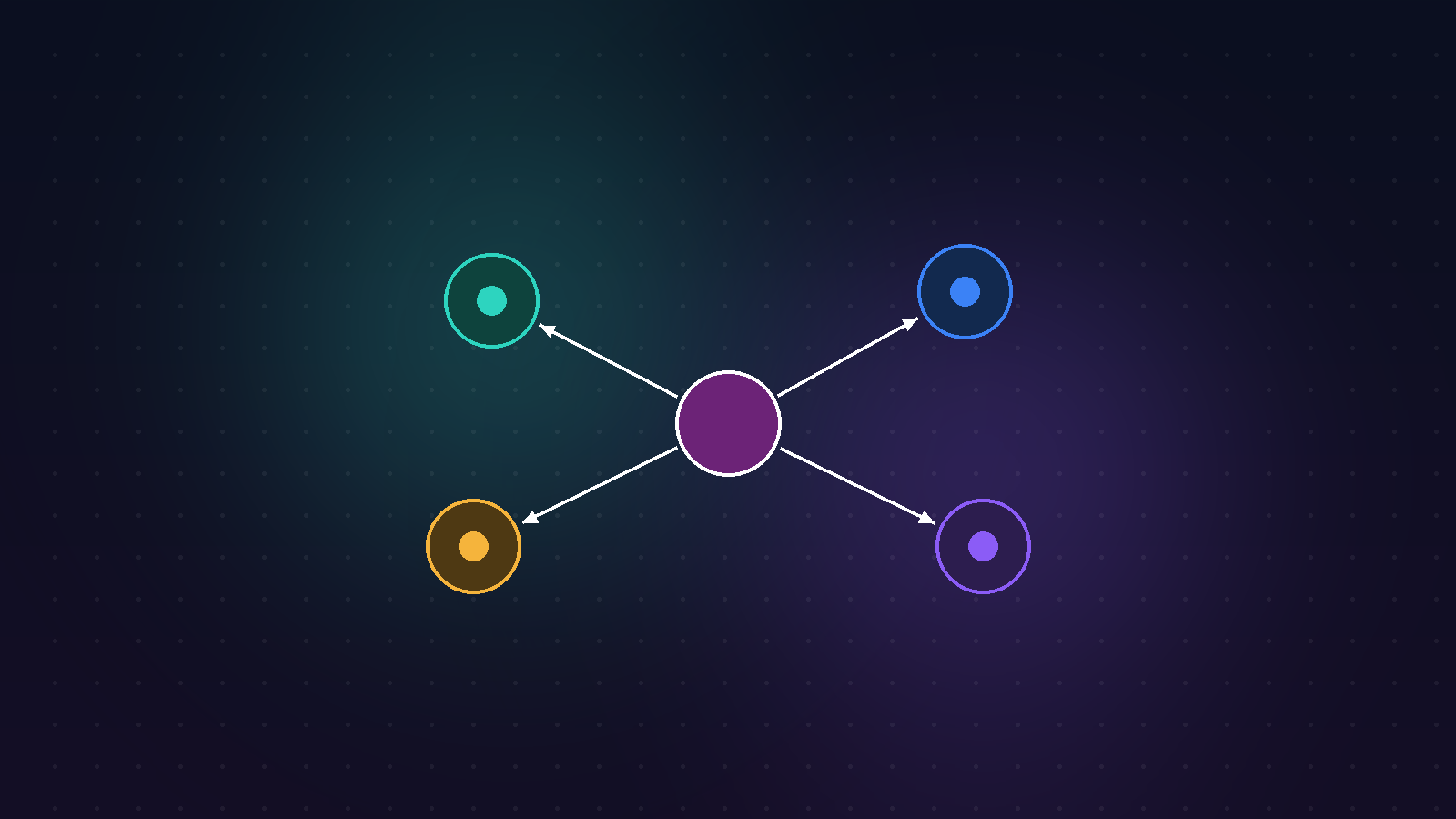
LangGraph models the system as a state machine. There's a shared state; each node reads it, updates it and returns it. Edges decide the next node — they can be conditional, even cyclic.
from typing import TypedDict, Annotated
from langgraph.graph import StateGraph, END
import operator

class State(TypedDict):
    task: str
    notes: Annotated[list, operator.add]   # accumulates as nodes append
    draft: str

def planner(s: State) -> dict:
    # analyze the task, decide the next step
    return {"notes": [plan(s["task"])]}

def researcher(s: State) -> dict:
    return {"notes": [search_tool(s["task"])]}

def writer(s: State) -> dict:
    return {"draft": compose(s["task"], s["notes"])}
Wiring nodes and conditional routing
The real power is in conditional edges: the planner's output branches the flow. The graph expresses "if/else" as data-flow.
g = StateGraph(State)
g.add_node("planner", planner)
g.add_node("researcher", researcher)
g.add_node("writer", writer)

g.set_entry_point("planner")
g.add_conditional_edges("planner", route,
    {"research": "researcher", "write": "writer"})
g.add_edge("researcher", "writer")
g.add_edge("writer", END)
app = g.compile()

result = app.invoke({"task": user_goal, "notes": [], "draft": ""})
Each agent has its own system prompt and tool set: the planner splits, the researcher calls tools, the writer produces. When an agent finishes, it hands off state to the next. Instead of one "know-it-all" prompt, you get separately testable pieces.
Cloud or local?
You can run the same graph with different models: OpenAI for speed/cost, local Ollama for privacy or offline. The orchestration logic doesn't change; only the model behind a node does. Different nodes can even use different models — a cheap model to plan, a strong one to write.
planner_llm = ChatOpenAI(model="gpt-4o-mini")     # cheap, fast decisions
writer_llm  = ChatOllama(model="llama3.1")        # local, private generation
Observability and streaming
A hidden benefit of the graph structure: you can stream and log every step. The user watches the process live ("researching… writing…"); and when a step breaks, you know exactly where.
When not to use it
Multi-agent isn't free: more latency, more tokens, more complexity. For a simple, single-step task, one good prompt is always better. Multi-agent pays off when the task genuinely branches and needs tools and expertise — not earlier.
More: Multi-Agent AI System.