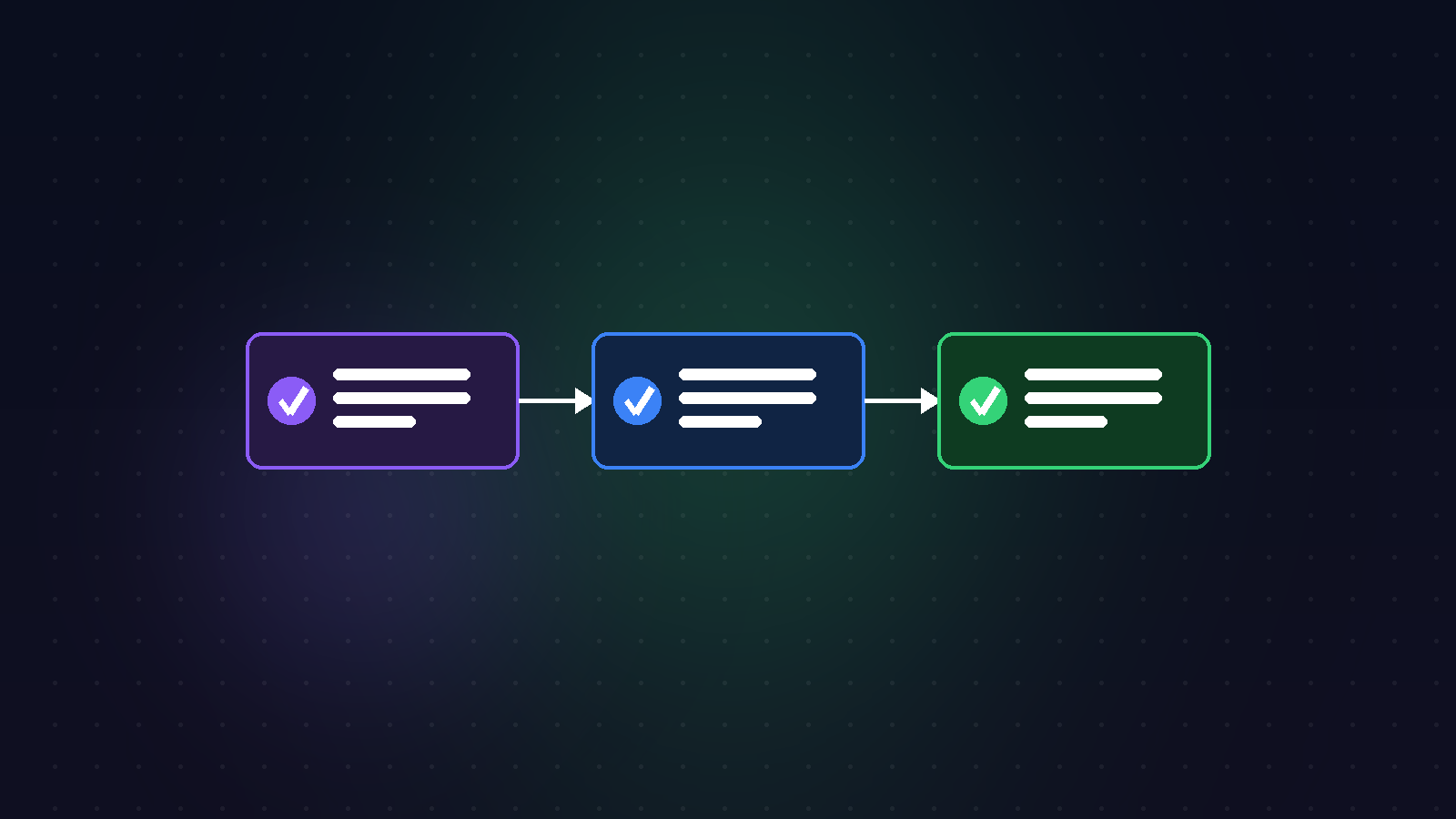
From Compose to CI/CD: automated deployment with GitHub Actions
I run this site as three services with docker compose: frontend (Next.js), API (FastAPI) and database. Saying "it works" is easy; the real question is how you update it on every change without doing it by hand and without pushing something broken to production. The answer is CI/CD: a build → test → image → deploy pipeline. That's what actually solves the "it worked on my machine" problem.
What does CI/CD actually solve?
It's not about speed, it's about consistency. Manual deploys have little differences every time: a forgotten migration, a skipped test, a wrong env var. A pipeline removes that because every deploy goes through the same, repeatable path and tests sit at the gate.
The pipeline stages
- Lint & test:
pytestfor the API,vitestfor the frontend. If they fail, the pipeline stops. - Build: build each service's image (fast thanks to layer cache).
- Push: send the image to a registry, tag = commit SHA (every version is traceable).
- Deploy: pull the new image on the server and refresh the services.
Putting tests at the gate
The most important decision: no deploy without passing tests. In GitHub Actions you express this with needs — the deploy job depends on tests, so a broken commit never reaches production.
name: ci
on:
  push: { branches: [main] }

jobs:
  test:
    runs-on: ubuntu-latest
    steps:
      - uses: actions/checkout@v4
      - uses: actions/setup-python@v5
        with: { python-version: '3.12', cache: 'pip' }
      - name: API tests
        run: cd api && pip install -r requirements.txt && pytest -q
      - uses: actions/setup-node@v4
        with: { node-version: '20', cache: 'npm', cache-dependency-path: front/package-lock.json }
      - name: Front tests
        run: cd front && npm ci && npm test
Building and publishing the image
If tests are green, build the images and push them to a registry. docker/build-push-action + buildx with layer cache speeds this up; the SHA tag binds each deploy to a specific commit (gold for rollbacks).
  build:
    needs: test                      # won't run unless tests pass
    runs-on: ubuntu-latest
    steps:
      - uses: actions/checkout@v4
      - uses: docker/login-action@v3
        with: { registry: ghcr.io, username: ${{ github.actor }}, password: ${{ secrets.GITHUB_TOKEN }} }
      - uses: docker/build-push-action@v6
        with:
          context: ./front
          push: true
          tags: ghcr.io/kemkum53/site-front:${{ github.sha }}
          cache-from: type=gha
          cache-to: type=gha,mode=max
Deployment strategies
Once the image is in the registry, there are a few ways to tell the server "there's a new version":
- SSH + compose: connect to the server,
docker compose pull && docker compose up -d. Simple and transparent. - Watchtower: an agent on the server spots the new image and updates automatically.
- Zero-downtime: bring up the new container, and once its health check passes, drop the old one (a smooth switch behind Traefik).
Secrets and rollback
Keep secrets (registry password, SSH key) in GitHub Secrets, never in the repo. Thanks to the SHA tag, rolling back is one line: up the previous SHA. Tagging with the SHA instead of latest answers "which version is live?" precisely.
Every manual step is a chance to make a mistake. The real value of a pipeline isn't automation, it's confidence: when you see a green build, you know what reaches production is exactly what was tested.
I describe this architecture itself on the kemalkondakci.me project page.